 UBI
Wood veneer
Charcoal-blue linear-grain dyed wood veneer
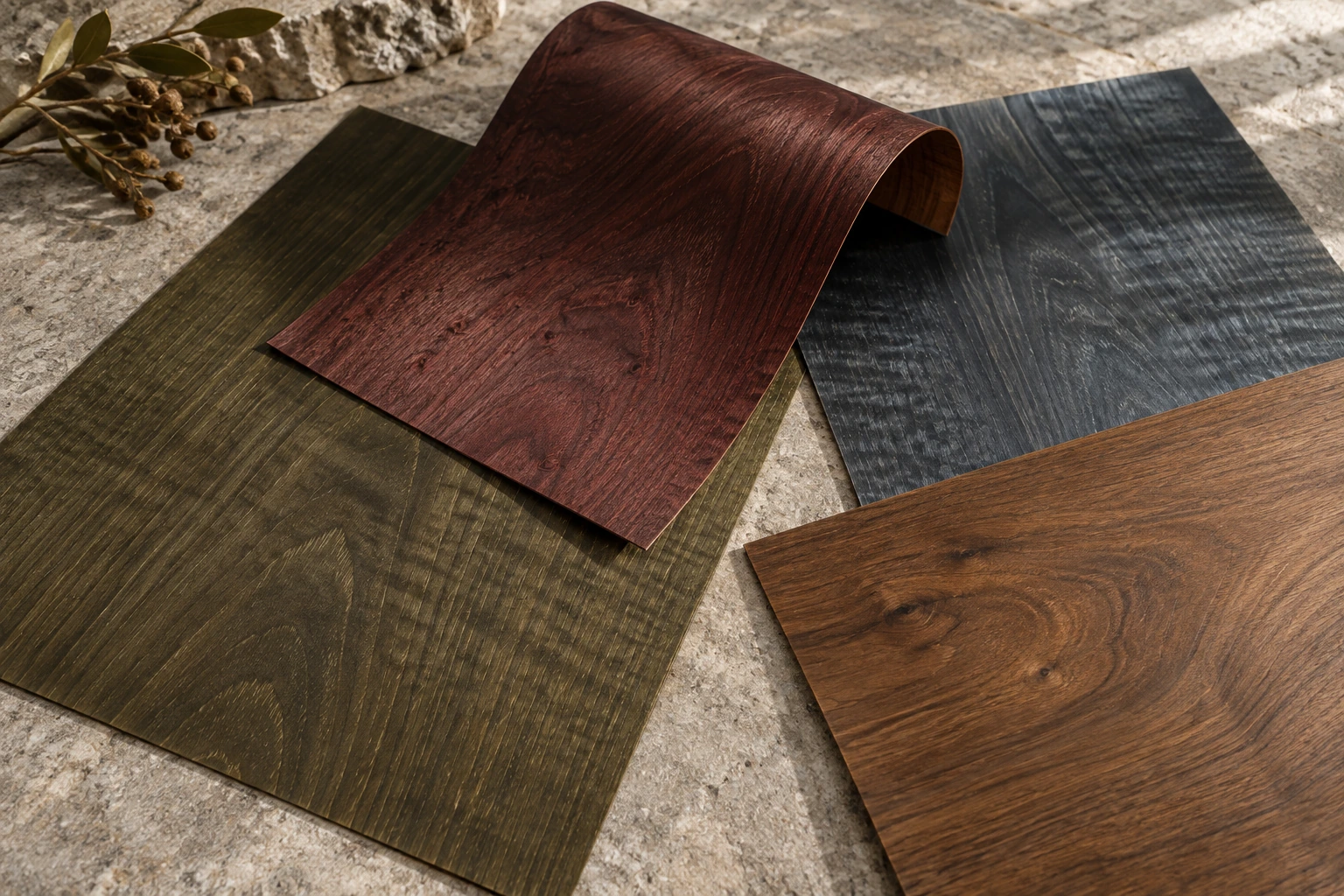
A dyed natural-veneer appearance with a charcoal blue-grey tone and calm, layered linear grain.
Details you can see
Appearance references. Confirm tone, grain, backing, edges and suitability with physical samples and technical documents. The loose veneer-and-board comparison does not establish bonding or an assembled construction
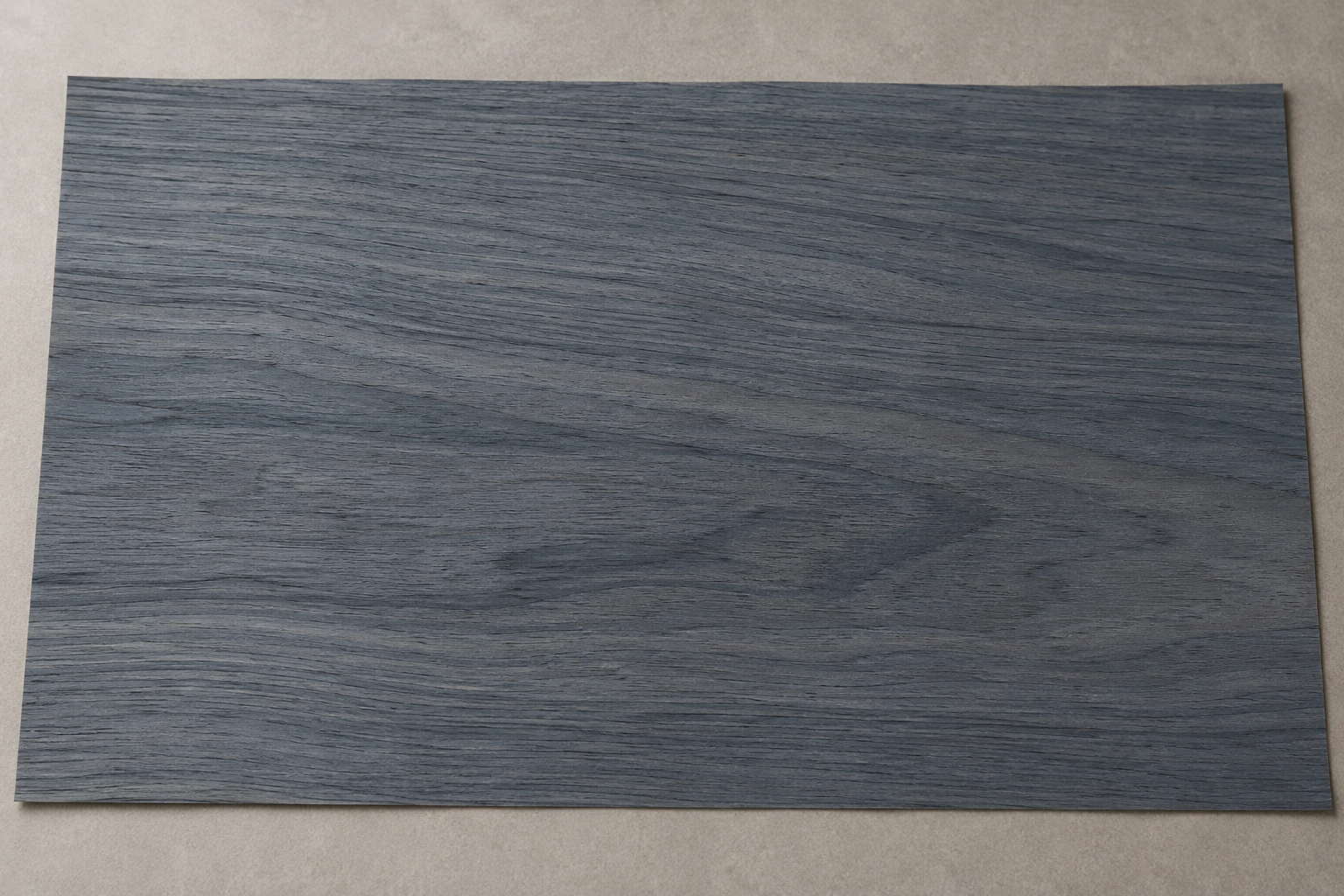
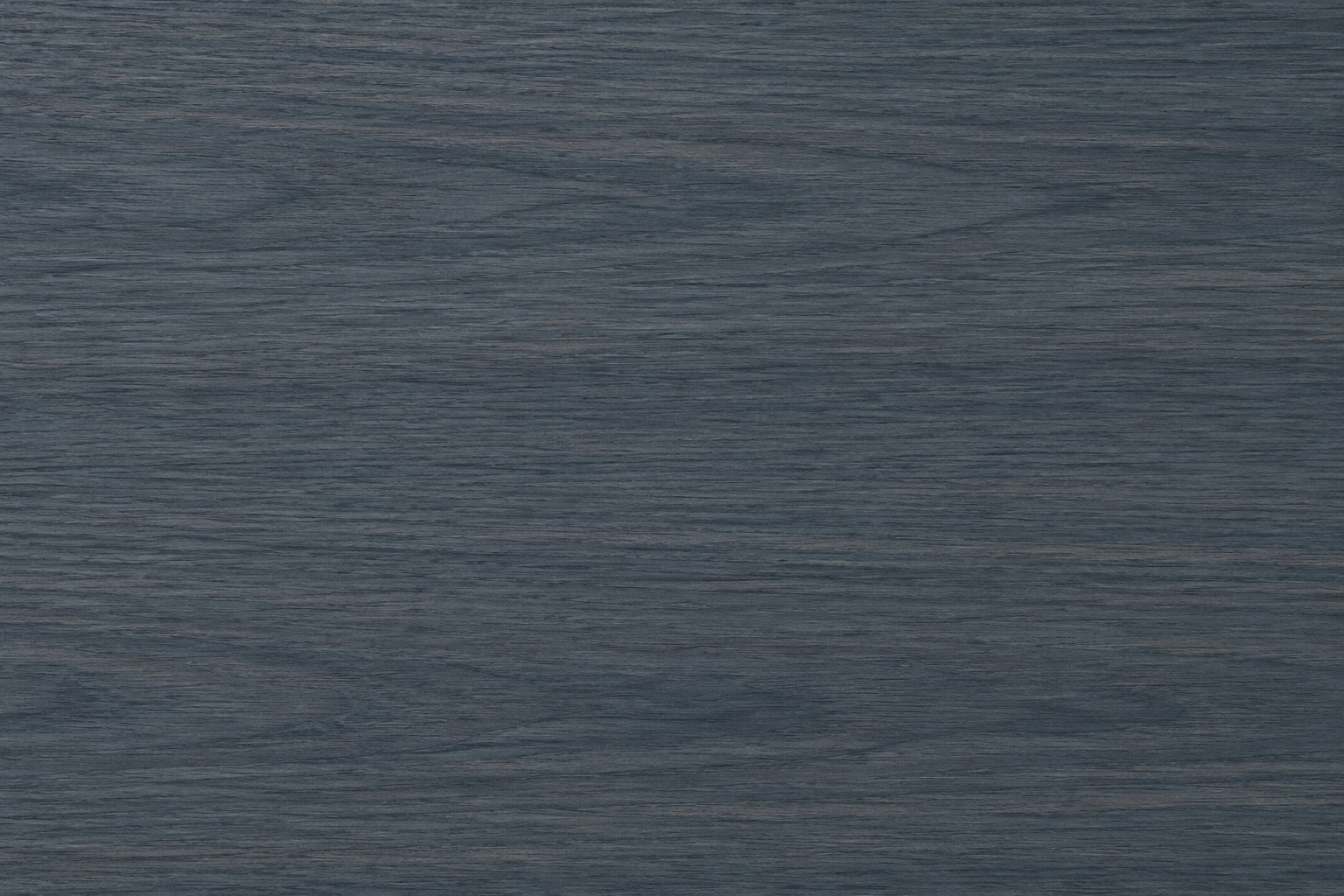
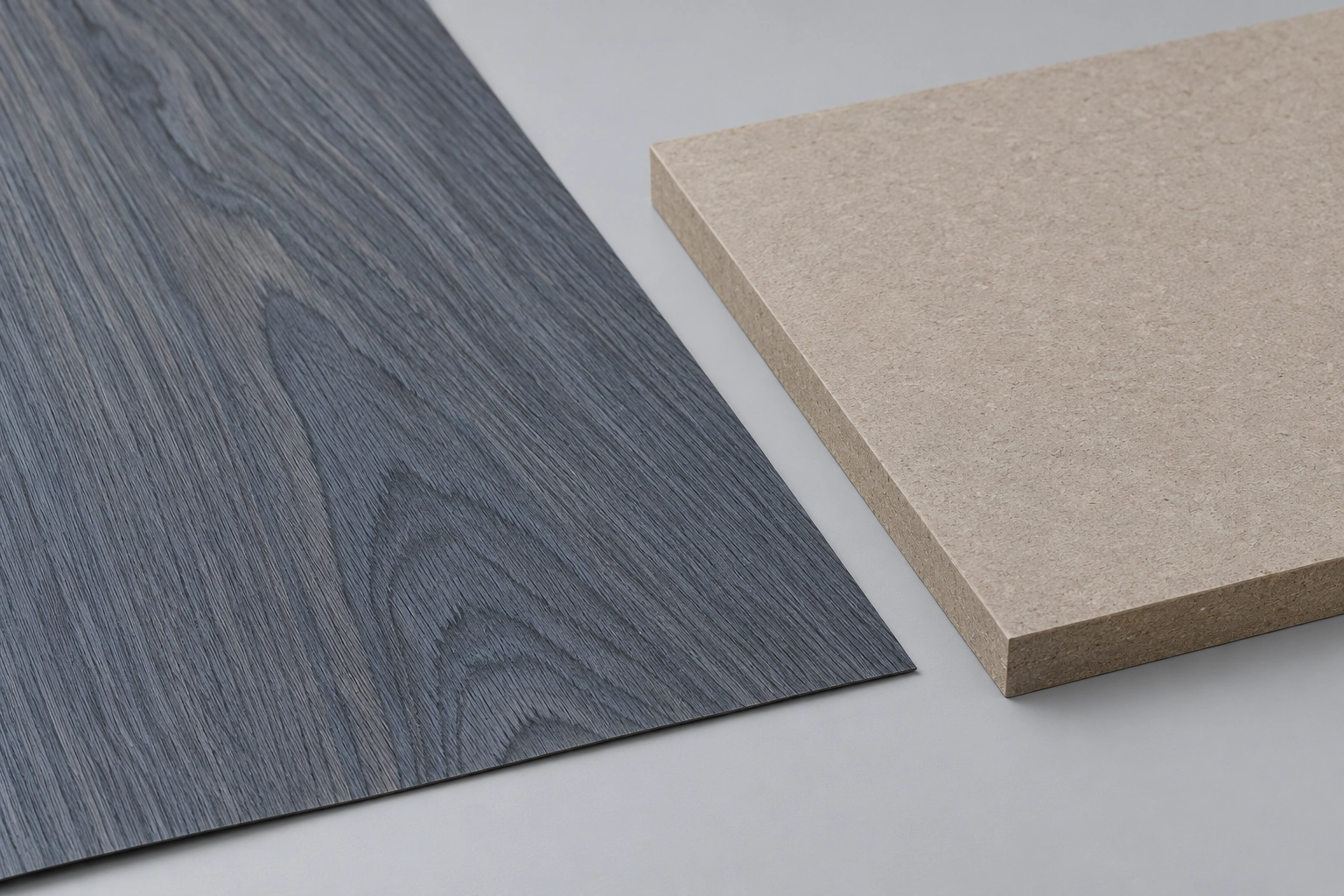
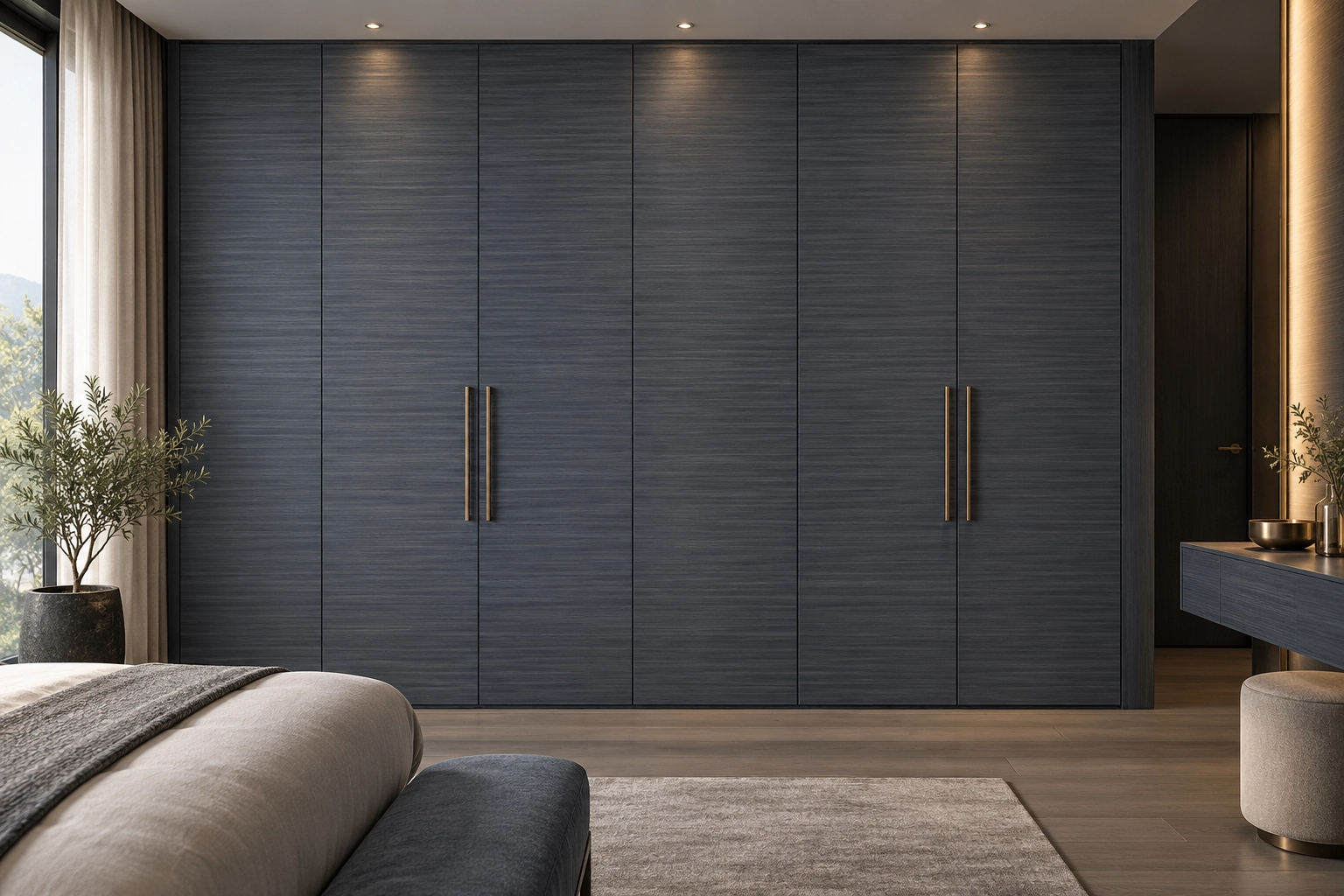
Compare this dyed-veneer appearance direction with neighbouring joinery under the project lighting. Images are conceptual visual references; confirm tone and grain with a physical sample. Agree grain orientation, joins, backing and edge details for each component, then confirm the project order scope separately.
Configuration & project checks
Surface treatment
Charcoal-blue linear-grain dyed wood veneer
Documented specification
A surface-appearance option under dyed wood veneer. Backing, edge treatment and final component detailing are project decisions to confirm against physical samples and technical documents. The separate veneer-and-board view is a visual relationship study, not an assembled construction detail.
Applications
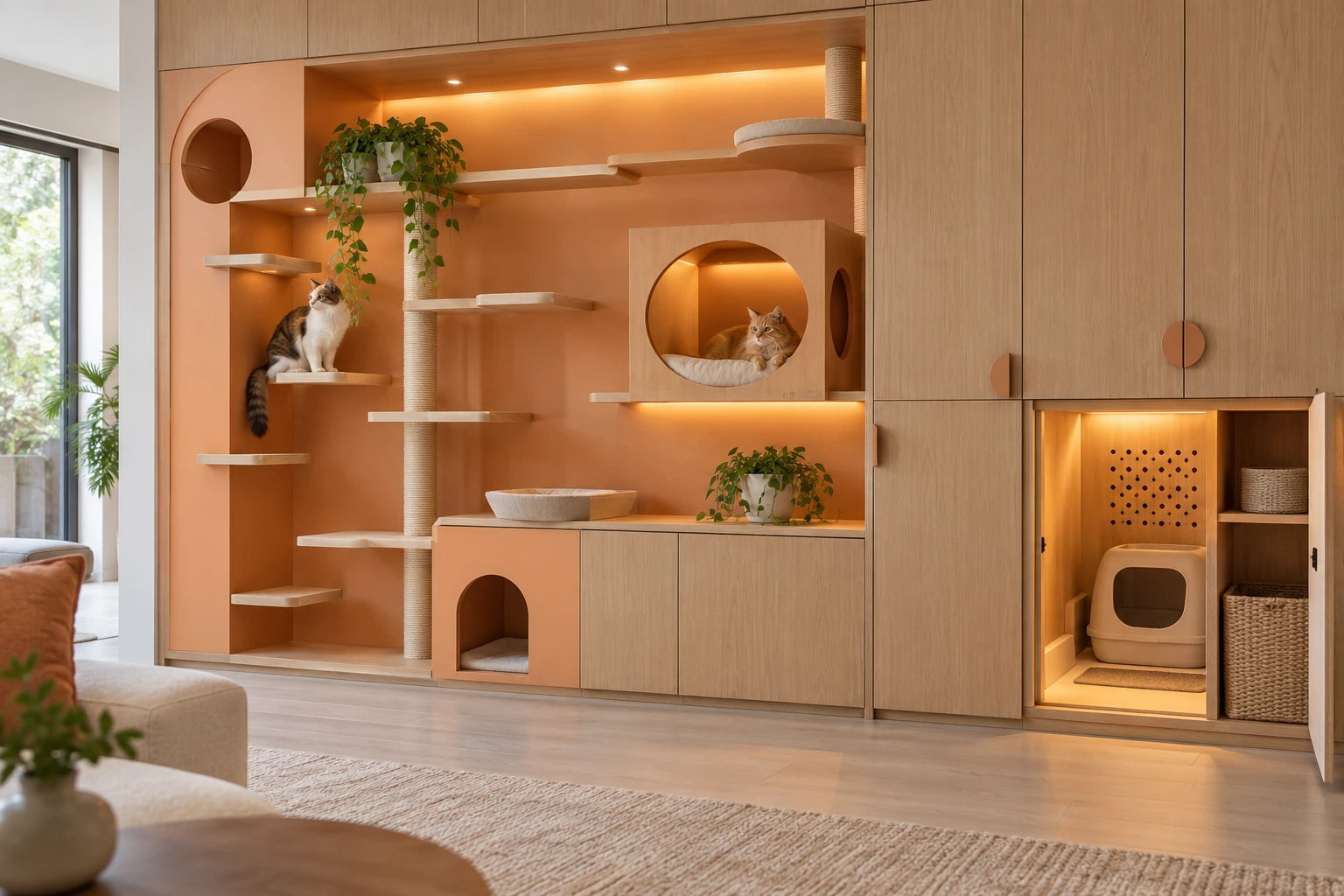
Explore coordinated cabinet fronts and interior decorative panels as design concepts. Confirm suitability, backing, joints and adjacent finishes for each proposed component before specification.
Availability & edition
For project selection: review a physical sample, then agree the proposed components, order scope and supply arrangements.
Delivery & lifecycle
Retain the agreed physical sample and grain layout as references for component matching, repairs and later additions.
Reference status
Conceptual appearance reference. Confirm tone, grain and component construction with physical samples and project documents.
Continue your selection
Material & technical library
Product system
Continue exploring

Explore the linked selections
Continue through the libraries, then bring your choices into a project brief.
START WITH YOUR PROJECT
A drawing. A material.
A place you have in mind.
Bring a rendering, CAD drawing, BOQ, sample or reference image. We can start from the information you have.
Start a project