 UBI
Passive cabinet storage fittings
Passive cabinet cable-management tray
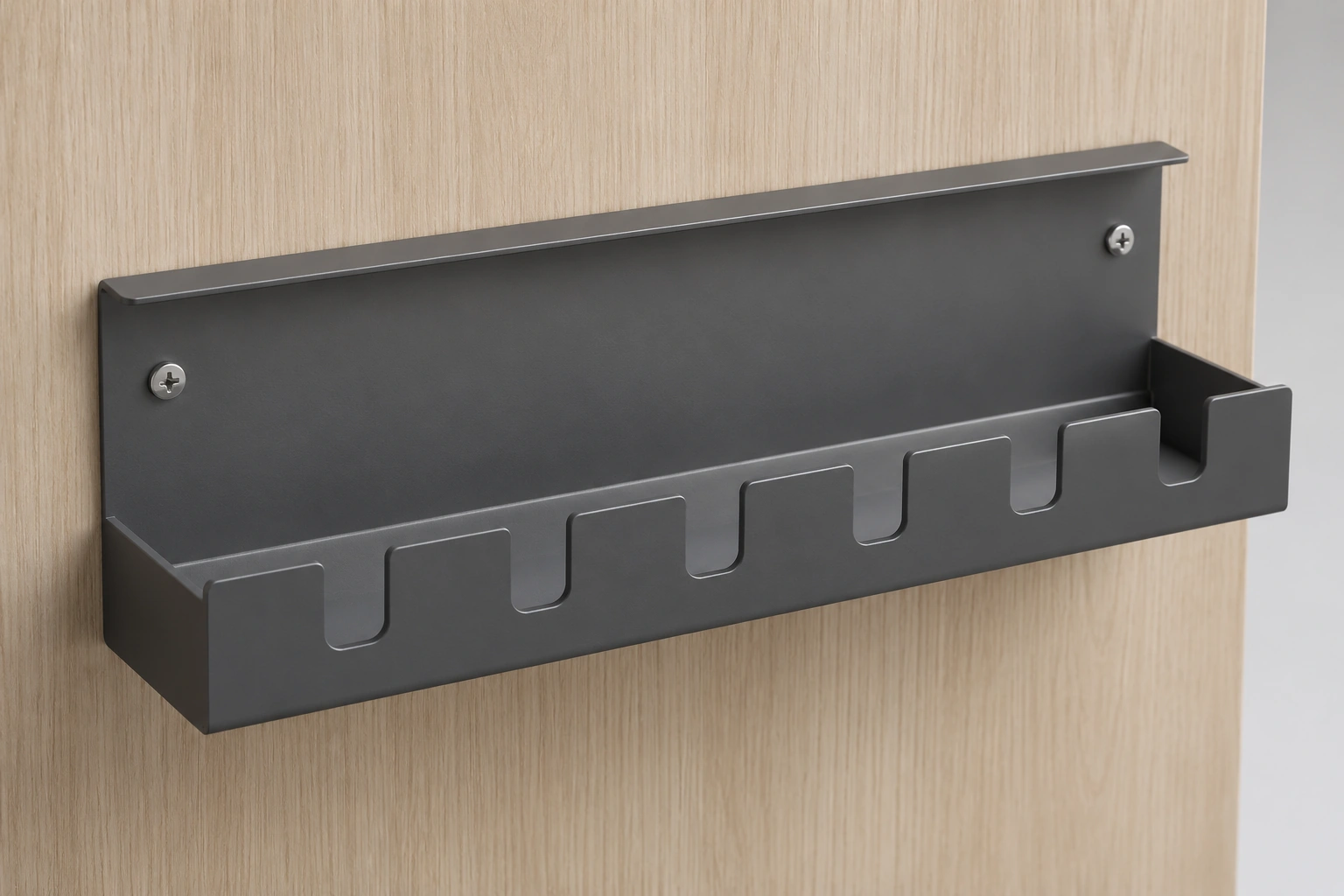
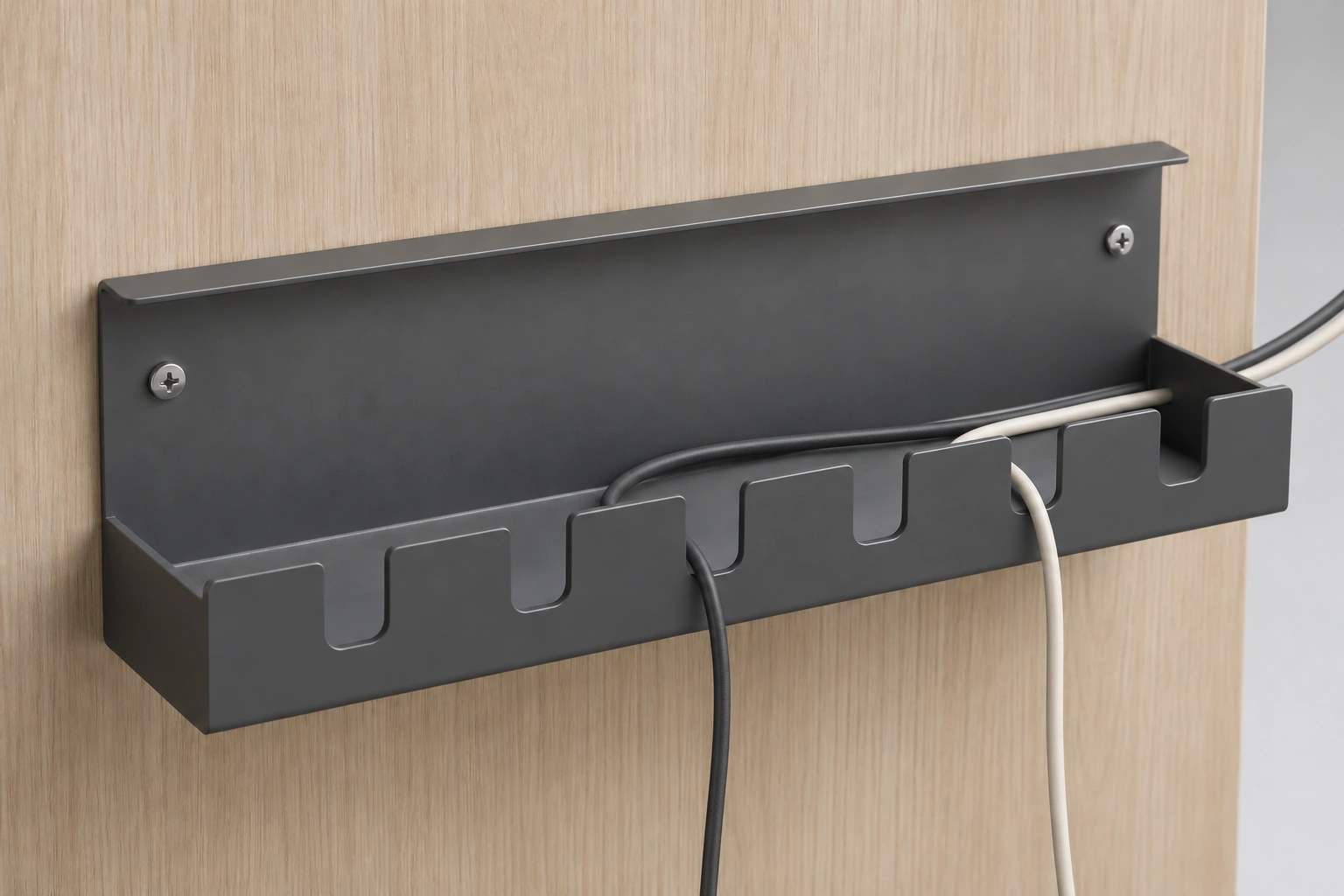
An open shallow tray with upward-open U slots collects and guides loose cords within cabinetry without supplying power.
Hardware detail images
An open shallow tray with upward-open U slots collects and guides loose cords within cabinetry without supplying power.
4 · Hardware detail images
01 Six-slot tray · Whole-product concept
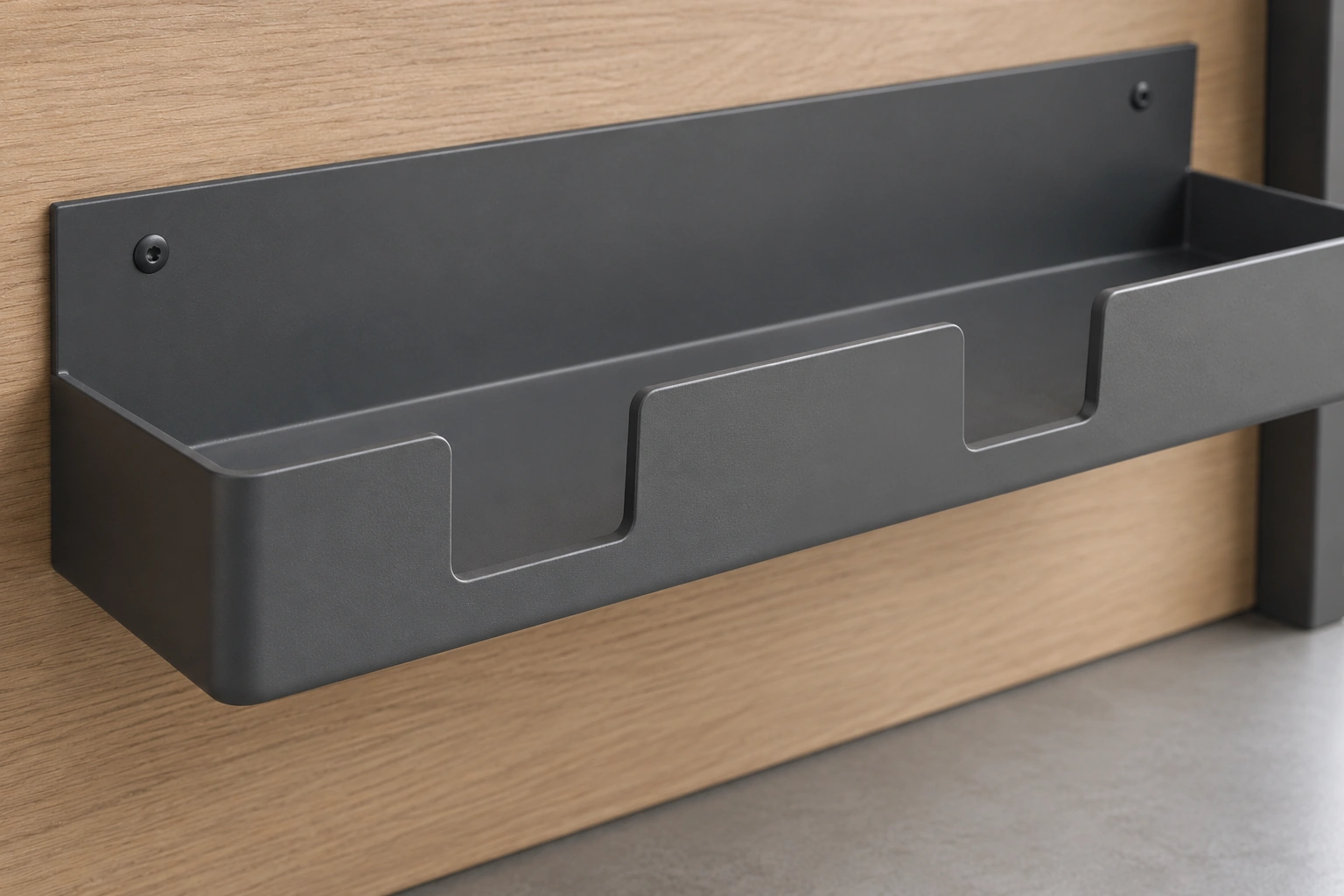
02 Three-slot variant · Exterior close-up
03 Six-slot concept · Two-cord routing
04 Three-slot variant · Cabinet context
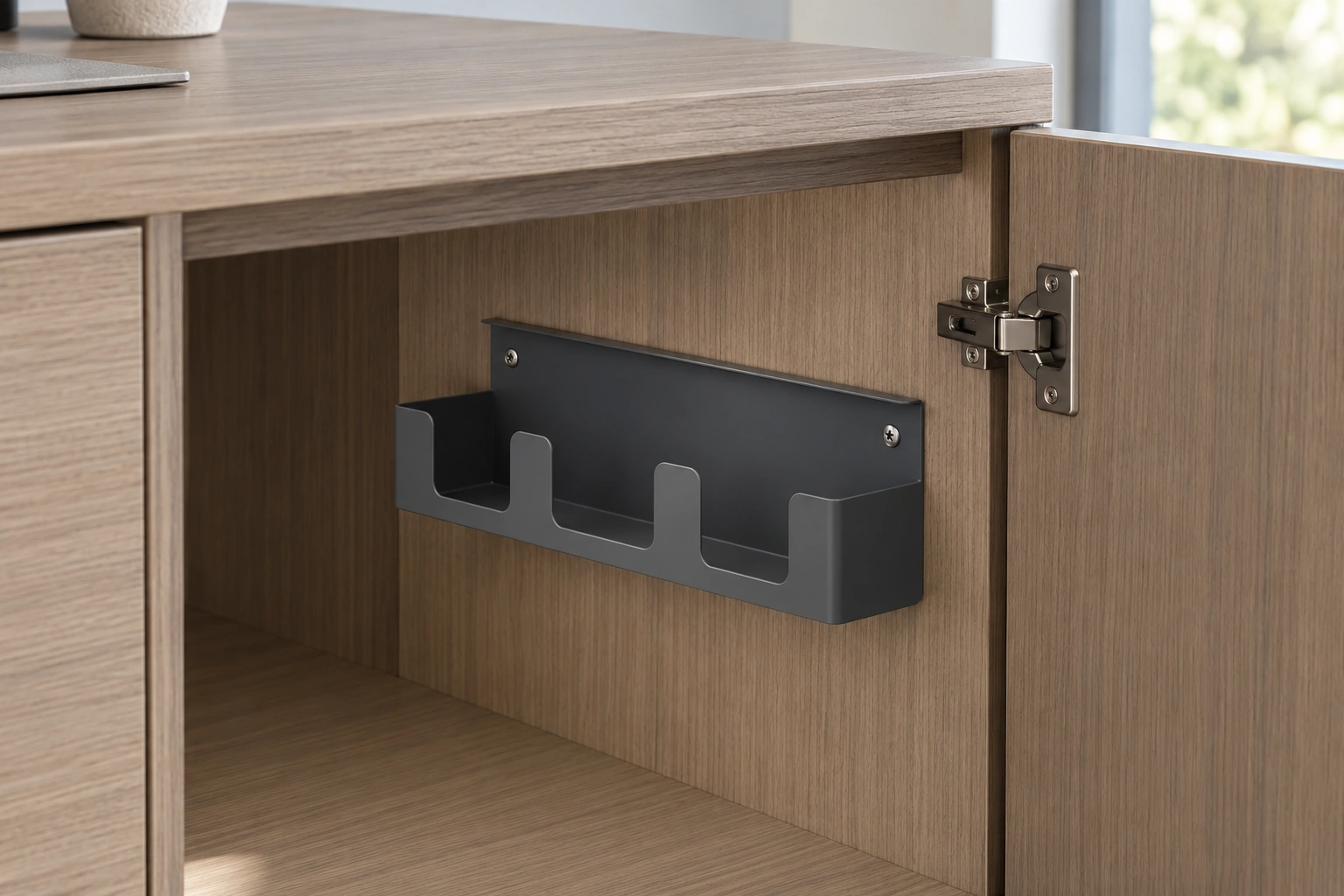
This is a passive cabinet storage accessory. The whole-product and routed-cord views use a six-slot appearance concept; the detail and cabinet-context views depict a narrower three-slot illustrative variant. These are design studies, not one exact product model. Select the physical tray and its fixing arrangement for the project.
Configuration & project checks
Documented specification
Exterior concept: broad upright back plate, two visible fixing points, short top lip, continuous shallow tray floor and upward-open rounded U slots. Confirm actual geometry and fixing with the selected sample and drawing.
Applications
Passive cord organization inside storage cabinets and desk cabinetry.
Availability & edition
Confirm the selected assembly, finish and current supply before procurement.
Delivery & lifecycle
Confirm the selected assembly, finish and current supply before procurement.
Continue exploring


Choose your next step
Continue through the libraries, then bring your choices into a project brief.
START WITH YOUR PROJECT
A drawing. A material.
A place you have in mind.
Bring a rendering, CAD drawing, BOQ, sample or reference image. We can start from the information you have.
Start a project